
Decide in 90 Seconds: Summarize YouTube Documentaries From a Tool Maker
Decide in 90 Seconds: Summarize YouTube Documentaries From a Tool Maker
Yes. AI tools can generate a concise summary of a YouTube documentary, giving you the central argument, key evidence, and clickable timestamps in under two minutes. Typical outputs include a short bullet takeaway list, a chapter breakdown with timestamps, and a full transcript, ideal for those seeking ways to Turn Zoom Calls Into Transcripts, Summaries, and Coaching. The catch: visuals, tone, and cinematography usually still require watching the actual footage.
TL;DR:
- AI summaries of documentaries primarily rely on transcripts, making official captions essential for accurate and cleaner results.
- Short summaries, chapter timestamps, and full transcripts typically take 30 to 90 seconds to generate, depending on the tool and video length.
- Visual evidence and emotional nuances are often missing from AI summaries, requiring verification through timestamps and direct footage review.
- Summaries are most useful for research pre-screening, quick overviews, and detailed study preparation, especially for textual or interview-driven content.
- Summarizing visually driven or cinematic films remains challenging, and users should pair summaries with quick video skims for comprehensive understanding.
Table of Contents
- How Do AI Tools Summarize Documentaries on YouTube?
- How Do You Summarize a YouTube Documentary Step by Step?
- When Are Documentary Summaries Most Useful?
- What Do AI Summaries Miss, and How Do You Check Accuracy?
- How Can You Get Better Documentary Summaries?
- Why Trust This Take on Documentary Summarization?
- Is a Summary Ever Enough, or Should You Just Watch the Film?
- Get Faster Documentary Summaries With Baitless
- Sources
How Do AI Tools Summarize Documentaries on YouTube?
The process behind any tool that can summarize documentaries on YouTube starts with the transcript, not the video file itself. If the documentary has official closed captions, the tool pulls that text directly, which produces cleaner results than audio-to-text conversion on a video with mumbled narration or heavy background music.
Once the transcript exists, natural language processing takes over. The software identifies the thesis, tracks recurring evidence, flags speaker changes, and marks natural chapter breaks, usually where the narrative shifts topic or introduces a new interviewee.
From there, you get a few output formats:
- A short summary of bullet-point takeaways for quick triage
- A chapter breakdown with timestamps mapped to major topic shifts
- A full searchable transcript for direct quoting
Processing speed varies by length and tool. A 90-minute documentary typically compresses into a 400 to 700-word summary that captures the main argument, key evidence, and central interviewees, often in 60 to 90 seconds. Some tools return structured summaries with timestamps and a full transcript in under 30 seconds for shorter videos.
How Do You Summarize a YouTube Documentary Step by Step?
Getting a usable summary takes about as long as making coffee. Here’s the actual workflow:
- Find the documentary and copy its YouTube link. Any public video URL works.
- Run it through your tool of choice. With a browser extension, open the video and click the extension icon. With a web-based summarizer, paste the link into the input field instead.
- Choose your output options. Pick a shorter summary for a fast yes or no on whether to watch, or request timestamps and a transcript if you plan to cite the film later.
- Verify before you rely on it. Click the timestamps tied to any surprising claim and jump straight to that moment in the video.
Pro Tip: For documentary series with multiple episodes, summarize each episode separately first, then read them in sequence. A nine-episode series running more than 10 hours loses too much context if you try to compress the whole run into one pass.
When Are Documentary Summaries Most Useful?
Summaries earn their keep in specific situations, not universally.
- Research pre-screening. Journalists and researchers routinely use summaries to check whether a film covers a specific angle or time period before committing 90 minutes to watching it.
- Study prep. Students pulling quotes for a paper can scan a chapter breakdown, jump to the relevant timestamp, and grab an exact quote instead of scrubbing through a timeline.
- Quick catch-up. Busy professionals who want the gist of a trending documentary without blocking out an evening get the argument and evidence in a few minutes.
- Series handling. For multi-part documentaries, per-episode summaries combined into one overview preserve context better than one summary attempting to cover everything at once.
Documentaries built on clear, informational narratives, think history, science, or investigative journalism, summarize well because the argument lives mostly in the words. Cinematic, visually-driven films resist reduction because so much of the meaning never gets spoken aloud.
What Do AI Summaries Miss, and How Do You Check Accuracy?
Text-based summaries have real blind spots, and knowing them keeps you from misusing the output.
- Visual evidence goes unmentioned. If a documentary shows glacier retreat through side-by-side footage without a narrator stating the measurements, a transcript-only summarizer skips that evidence entirely.
- Poor audio breaks the transcript. Missing captions or heavy accents can produce garbled text, which leads to wrong inferences downstream.
- Emotional nuance disappears. Hesitation, tone shifts, and interview subtext rarely survive the jump from speech to bullet points.
- Cinematic assembly resists compression. One film review noted that a documentary’s cultural footprint often comes from how footage is layered and paced, something no summary captures.
Pro Tip: Before quoting a summary anywhere public, cross-check the flagged timestamp, listen to that exact segment, and confirm the factual claim against the footage itself.
How Can You Get Better Documentary Summaries?
A few small habits make a real difference in output quality.
- Pick videos with official captions, or upload your own transcript when captions are missing or auto-generated poorly.
- Always request timestamps and a chapter breakdown. They turn a vague summary into something you can actually verify.
- Match summary length to your goal: short for a quick watch-or-skip decision, longer and transcript-based when you need citations.
- Pair the summary with a quick skim-watch of flagged moments to catch tone, visuals, or cinematography the text version left out.
Baitless’s blog on summarizing YouTube clips walks through more of these adjustments for viewers who summarize documentaries regularly.
Why Trust This Take on Documentary Summarization?
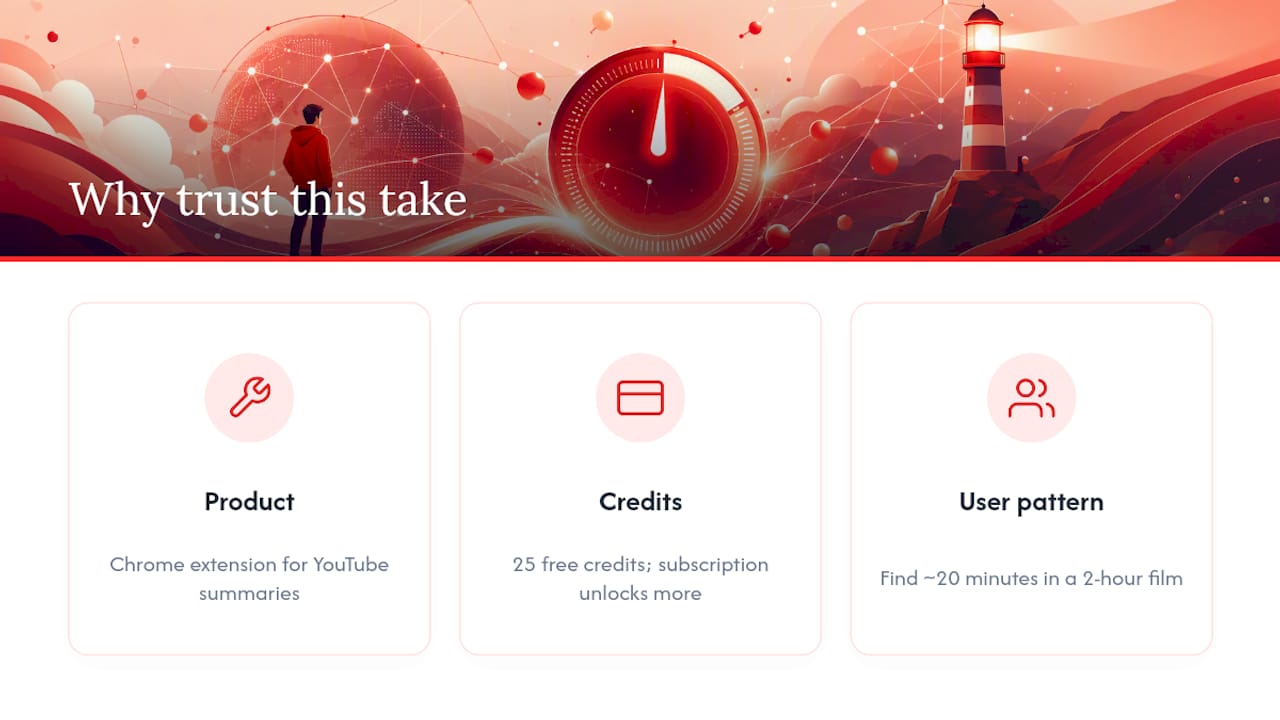
This guide comes from Sergio, writing from inside Baitless’s product and content team, where the daily work involves watching how people actually use AI summaries of long-form video.
Baitless is a Chrome extension that turns lengthy YouTube videos into short, structured summaries, flagging what to watch and what to skip. New users get 25 free summary credits, and a paid subscription unlocks more credits for anyone who summarizes documentaries as a daily habit.
The pattern we see most often isn’t people skipping documentaries entirely. It’s people using a summary to decide which 20 minutes of a two-hour film actually deserve their attention.
Readers who want more workflow detail can check Baitless’s guides on AI-summarized YouTube videos for deeper walkthroughs.
Is a Summary Ever Enough, or Should You Just Watch the Film?
Here’s where I’ll push back on how most guides frame this: the debate isn’t “summary versus full documentary.” It’s about matching the tool to the job. A summary is for deciding what deserves your time and for pulling citable evidence fast. It was never built to replace the experience of watching a well-shot film, and any guide that implies otherwise is overselling the technology.
The bigger mistake I see is treating every documentary as equally summarizable. An investigative piece built on interviews and data compresses cleanly. A visually driven film built on mood and pacing does not, no matter how good the transcript is. Readers who skip that distinction end up either wasting time reading a useless summary or, worse, citing a claim the summary quietly got wrong because the evidence was visual, not spoken.
Prioritize verification over speed. A summary that saves you 80 minutes is worthless if it sends you into a paper or a conversation with a fact the film never actually stated.
— Sergio
Get Faster Documentary Summaries With Baitless
There are tools that can turn YouTube documentaries into short, structured summaries with timestamps quickly, helping you decide whether to watch a lengthy video.

You can receive a breakdown of what to focus on and what to skip, with timestamps to directly access notable segments. Many services offer some free summary credits to start and subscription options for frequent users. If you’re curious how the output actually looks before committing to a workflow change, Baitless’s tagged breakdowns show real sample summaries.
Install the extension and run your first summary at Baitless.